Power BI – Specialized Data Analysis Track
Power BI
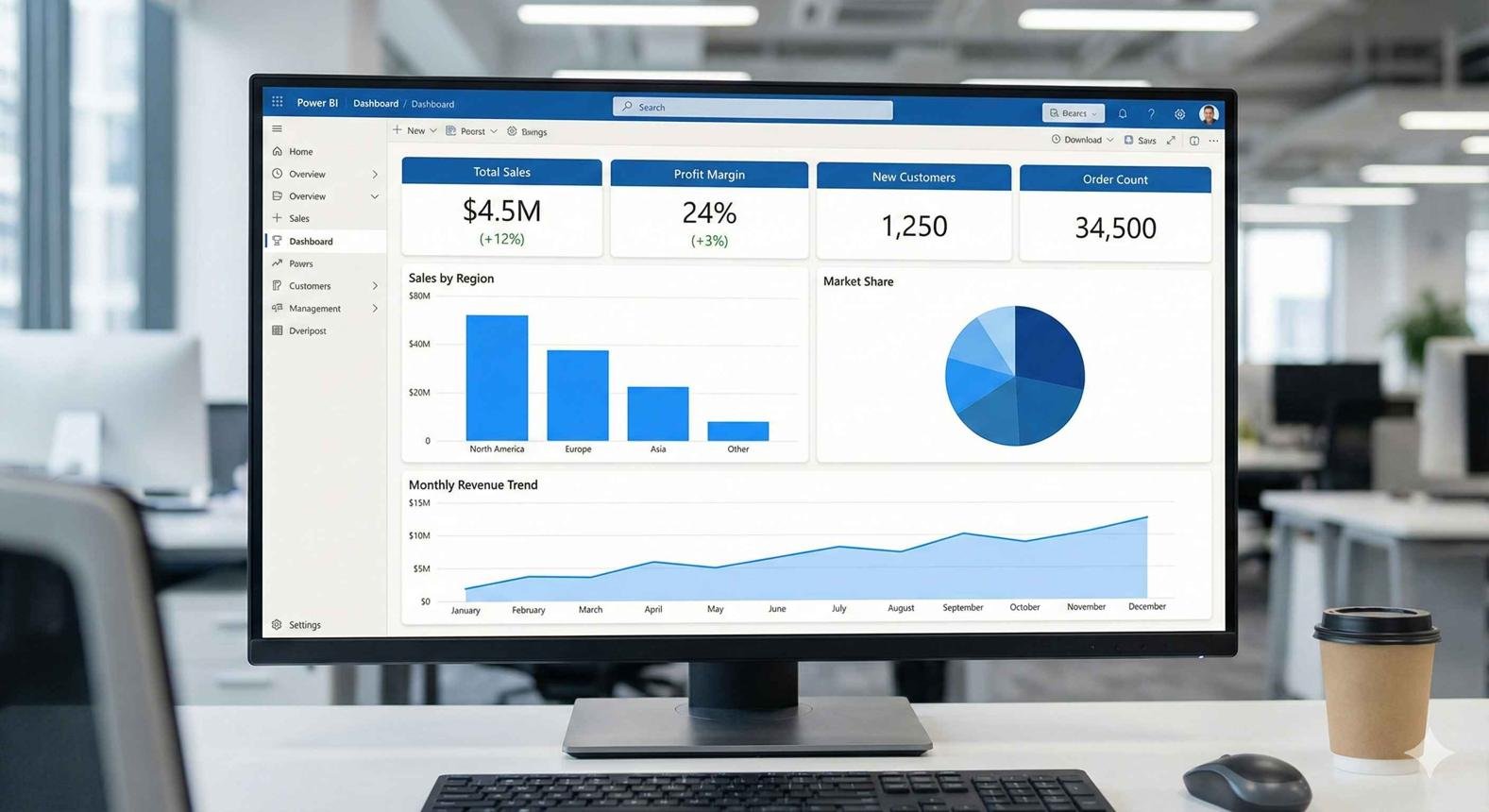
Training Modules
1. Setup, Workspace and Interface Overview
- Installing and setting up Power BI.
- Understanding the workspace.
- Exploring the user interface.
2. Importing and Cleaning with Power Query Editor
- Importing data.
- Cleaning and preparing datasets using Power Query Editor.
3. Data Modeling and Relationships (Facts & Dimensions)
- Understanding data modeling.
- Creating relationships between tables.
- Working with facts and dimensions.
4. Analytical Formulas and Measures with DAX
- Creating analytical formulas.
- Developing measures using Data Analysis Expressions (DAX).
5. Visual Reports and Interactive Dashboards
- Creating visual reports.
- Developing interactive dashboards.
6. Publishing, Sharing and Security via Power BI Service
- Publishing reports.
- Sharing dashboards and reports.
- Managing access permissions and security through Power BI Service.
Location
Courses may be conducted at one of the following hotels in Kuwait:
- Hilton Garden Inn Kuwait – The Avenues
- Hilton Kuwait Resort – Mangaf
- Jumeirah Messilah Beach Hotel & Spa
- Radisson Blu Hotel Kuwait
Or at the client’s premises.
Related Courses
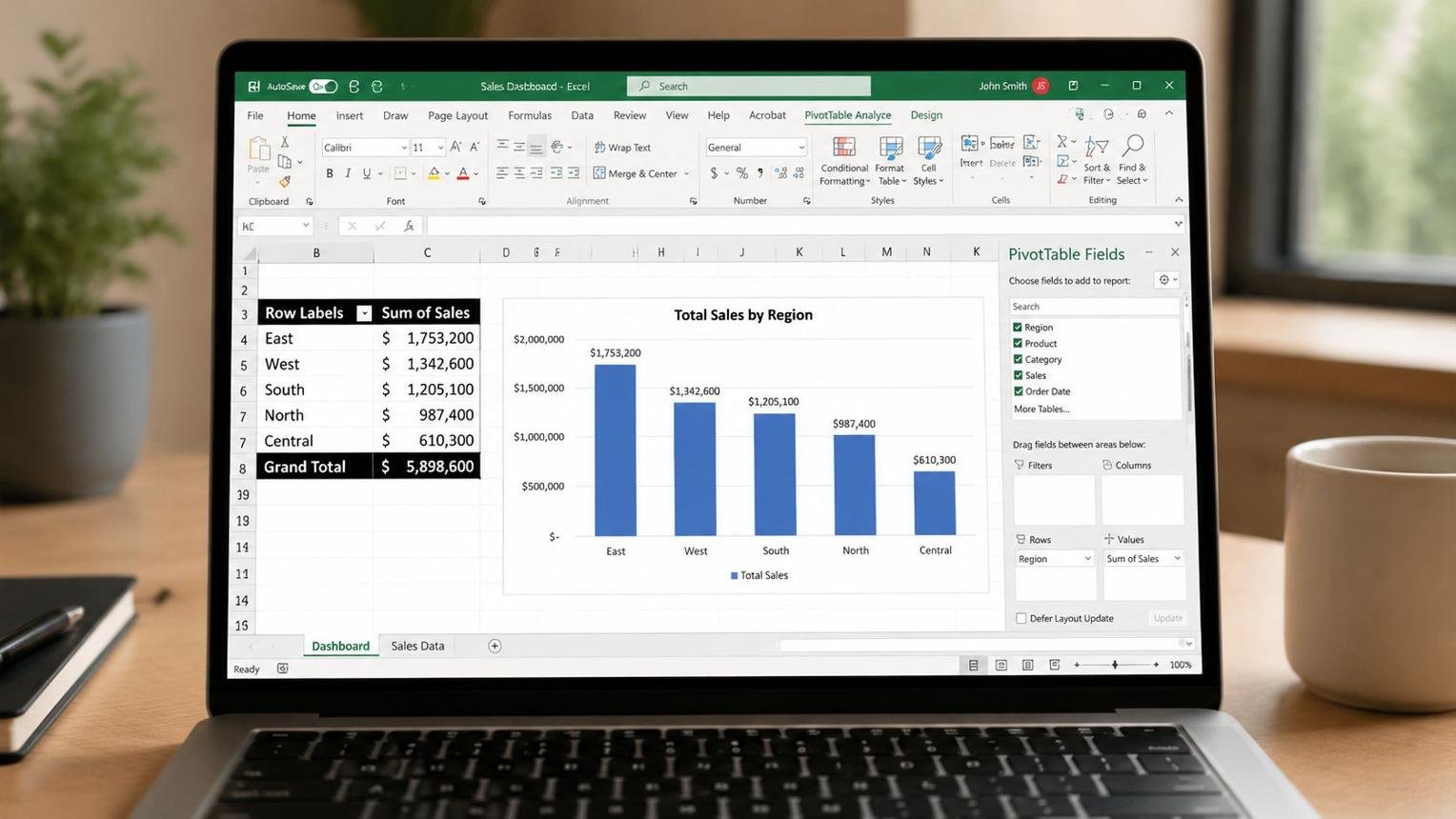
Microsoft Excel – Specialized Data Analysis Track
Microsoft Excel

Data Analysis Skills & Tools
An integrated learning pathway covering everything from data collection to data storytelling and the development of executive recommendations.
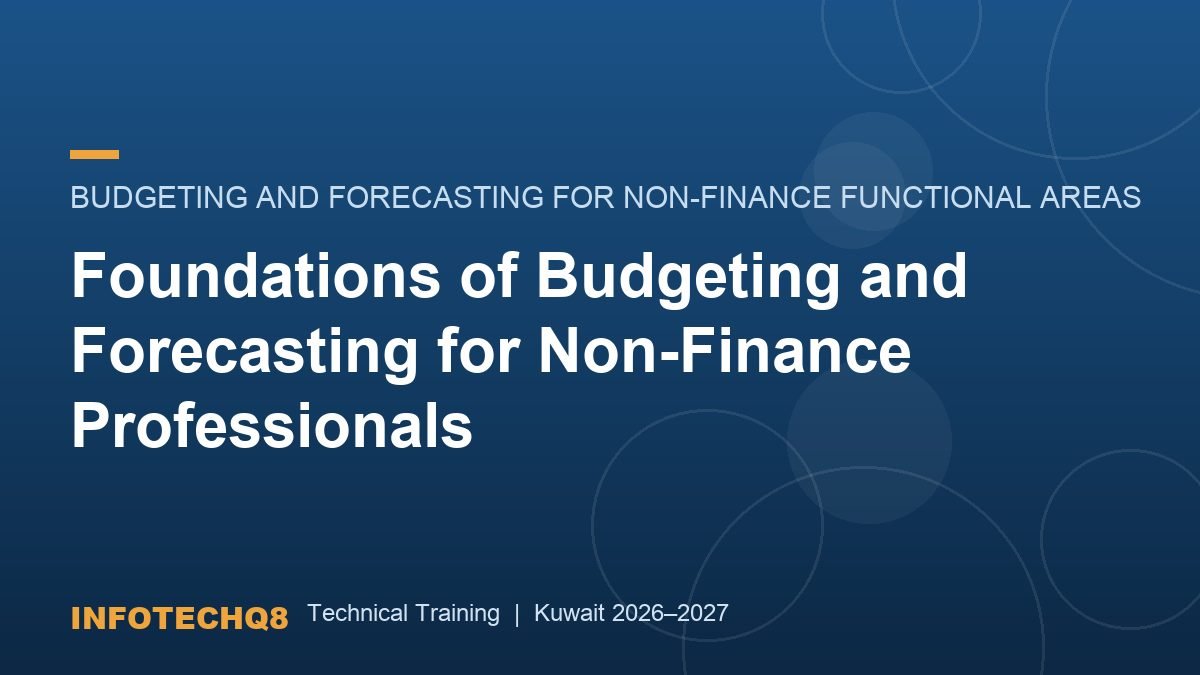
Foundations of Budgeting and Forecasting for Non-Finance Professionals
A foundation-level introduction to budgeting and the budgeting process for those outside finance. Participants cover the role and types of forecasting, how budgets are allocated to operational activities, and the costing and budgeting terminology used across the business.